SprintRay's Wireless Scanner: Sort Out Tip, Body and Workstation First
SprintRay has unveiled Foundation, a wireless, full-colour intraoral scanner built for its ScanOS software. According to the company's release, it launches first in the United States, with first shipments expected in November 2026. Whether and when it reaches Europe is not stated yet. Still, it is a good prompt to ask a practical question before any new scanner arrives: what exactly gets covered, and what gets reprocessed?
What has been reported
Trade coverage of the 3DNext 2026 event gives a few concrete details. The scanner works wirelessly for more than three hours of continuous use and weighs about 235 g including its battery. The scanning tips are described as reusable and rated for up to 180 sterilisation cycles. The event price was $9,995, with a regular price of about $11,000, and the same report says wider availability and regional pricing are still to be confirmed.
The same report mentions only one infection-control detail: the tip rating. It does not say how the scanner body or battery section should be covered or disinfected. That is not a criticism; launch write-ups rarely do. But it means the answer sits in the instructions for use, not in the press material.
Tip and body are two different problems
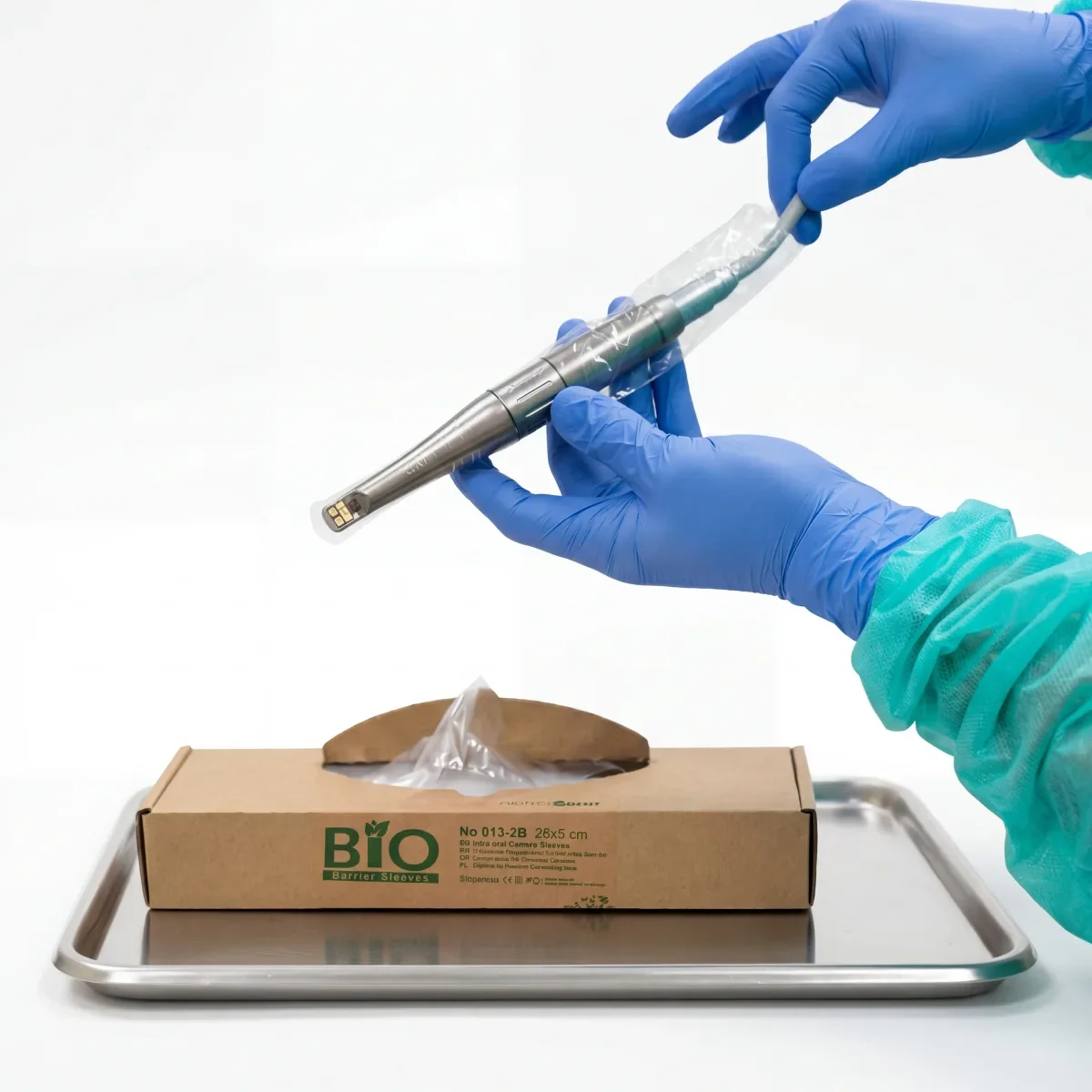
A tip that survives 180 sterilisation cycles is a reprocessing question. The body of a battery-powered scanner is a different one, because electronics do not go into the steriliser. A recent narrative review in Frontiers in Oral Health on reusable digital intraoral imaging equipment states that sensors and phosphor plates cannot be autoclaved or heat-sterilised, so infection control rests on barriers and on disinfectants the device can tolerate. It also notes that manufacturers restrict which disinfectant chemistries may touch electronic housings and connectors. Scanner-specific evidence in that review is limited.
So a scanner with sterilisable tips does not remove the need for a protocol on the handle. It shifts the question to the part that cannot be sterilised.
A Monday-morning checklist before a wireless scanner arrives
- Read the instructions for use first. Look for the approved disinfectant list and whether the manufacturer names a barrier for the body.
- Write down the two routes separately. Tip: sterilise, count cycles. Body: barrier where the manufacturer allows it, then clean and disinfect after the barrier is removed.
- Decide who counts the cycles. A 180-cycle rating only helps if someone tracks it per tip.
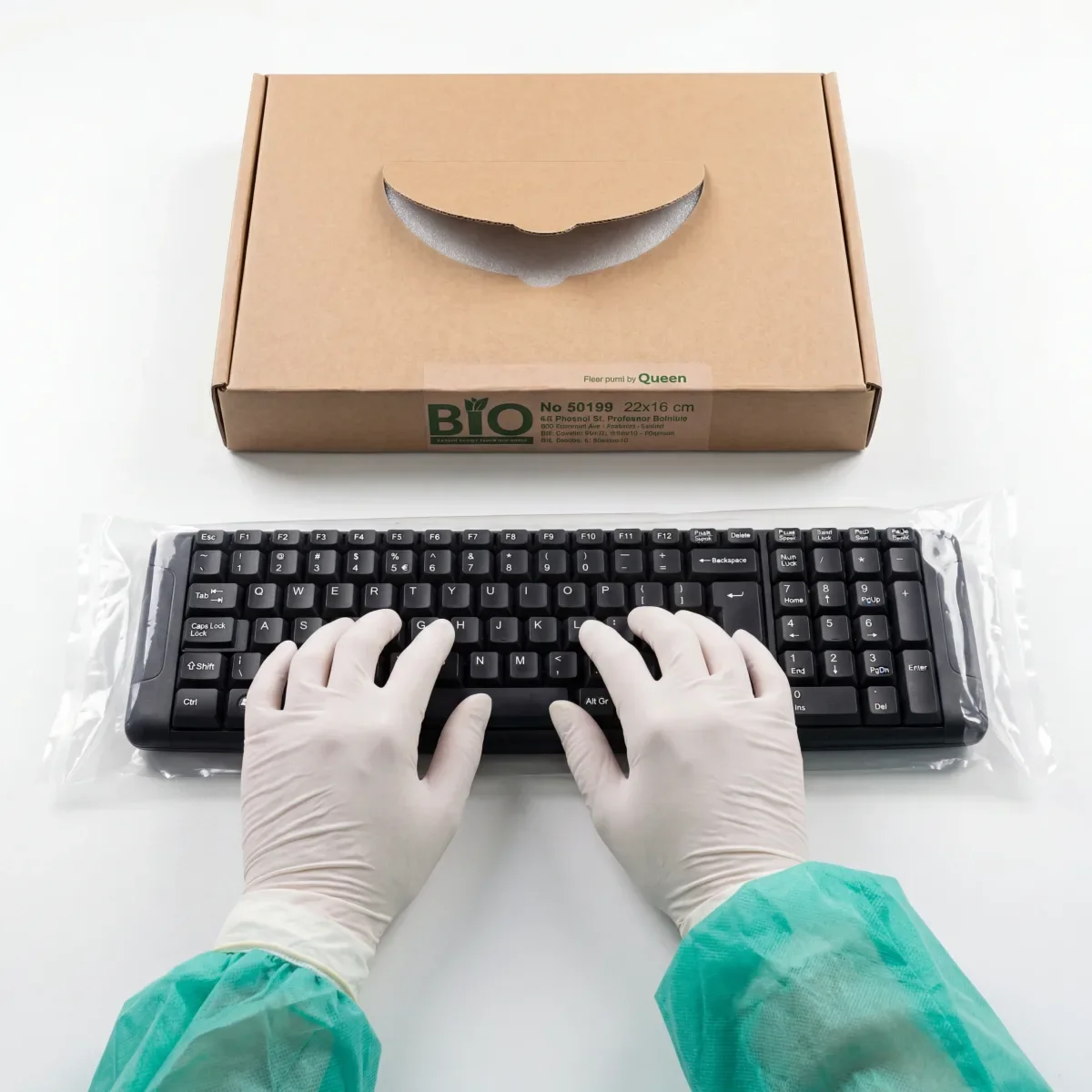
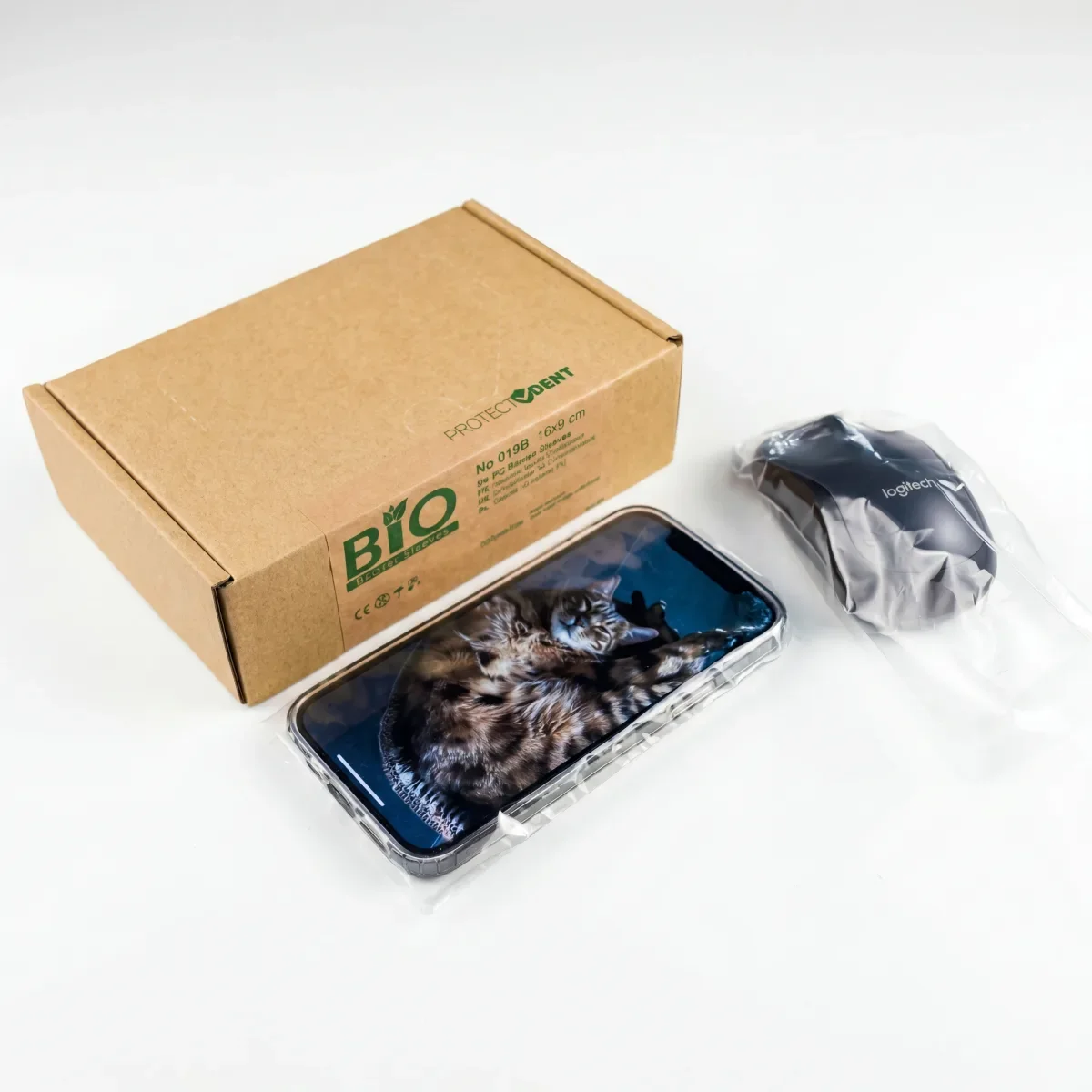
- Check the charging dock and the screen. Wireless does not mean hands-free: the dock, the tablet or monitor and the mouse are touched in the middle of a scan.
- Do not assume an existing sleeve fits. A sleeve made for another device may not fit a new body shape. Test fit with the supplier before the scanner goes live.
The touch points that stay the same
The Frontiers review also points out that keyboards and control panels near imaging equipment are heavily touched and often not barriered. A scan session usually involves a computer. If gloved hands move between the scanner and the keyboard or mouse, those surfaces belong in the protocol as much as the scanner does.
What we cannot say
We have not seen the Foundation instructions for use, and none of the cited sources describes a barrier or disinfectant for it. We also do not know the European availability. When the manual is published, check it before you buy any accessory.
Bottom line
A wireless scanner changes where the cable was, not where the contamination goes. Plan the tip route, the body route and the workstation before it is on your tray.
Frequently asked questions
Does the Foundation scanner need a barrier sleeve?
None of the sources we read says. Check the manufacturer's instructions for use for approved barriers and disinfectants before deciding.
Is the Foundation available in Europe?
Not yet confirmed. The company says it launches first in the United States, with wider availability and regional pricing still to be confirmed.
Can the whole scanner be sterilised?
Only the tips are described as reusable, rated for up to 180 sterilisation cycles. Electronic bodies generally cannot be heat-sterilised, so barriers and tolerable disinfectants are the controls.
Sources
- SprintRay 3DNext 2026: new Nano print and wash, Foundation scanner, GC GRADIA PREMi and more — Institute of Digital Dentistry, 2026-11-23
- SprintRay Expands Beyond 3D Printing With Connected Digital Dentistry Platform Unveiled at 3DNext 2026 — PR Newswire via Webull, 2026-11-23
- Microbial contamination and decontamination of reusable digital intraoral imaging equipment: a narrative review — Frontiers in Oral Health, 2026-11-23