Acteon's Compact CBCT Puts the Control Panel Right Below the Chin Rest
Acteon's newest cone-beam unit, the X-MIND optima 3D, is built around a "zero-footprint" idea: a wall-mounted CBCT that drops into a practice without the floor space a standalone column usually needs, with wall-mounted, floor-mounted and cephalometric configurations offered (Voxel Dental; Eclipse Dental). Saving space is the headline. The detail worth a second look is where the controls ended up.
Where the controls live now
On the X-MIND optima 3D, the control panel sits "smartly located below the chin support" (Voxel Dental; Hague Dental Supplies). The unit also uses automated positioner recognition together with alignment lasers or positioning lights to help staff line the patient up (Eclipse Dental; Hague Dental Supplies). That is a genuine workflow improvement on a wall-mounted unit that has no room for a separate console.
It also means the panel a nurse presses to start, adjust and confirm every exposure sits inches from where the patient's chin rests. On a traditional floor-standing CBCT, the touchscreen or control cluster is often on the machine's own column or on a separate computer, at arm's length from the positioning device. Fold both functions into one wall-mounted footprint and the geography changes: the same gloved hand that just adjusted the chin support is pressing capture buttons directly underneath it, seconds later, for every patient.
Field of view on the base unit runs from 5×5 cm up to 12×10 cm, expandable to 17×12 cm — by hardware option according to one distributor listing, by a software upgrade with no hardware swap according to another (Eclipse Dental; Henry Schein Equipment Catalog). Operating voltage is listed at 60–90 kV and the unit weighs 69 kg (Eclipse Dental). None of that changes the touchpoint question. It is the layout, not the imaging specification, that matters for barrier protocol.
What that means for barrier protocol
A chin support or bite block covered between patients is not new — every CBCT and panoramic unit needs one wiped or sleeved before the next exposure. What is different here is the control panel sitting in the same zone. If a practice's protocol treats "the positioning device" as the only surface that needs a barrier between patients, and treats "the control panel" as a general equipment surface wiped down at the end of the session rather than between patients, a unit built this way puts both under the same hand at the same moment. It is worth checking that the written protocol actually says what happens to the panel between patients, not only at the end of the day.
The control panel is smartly located below the chin support, providing streamlined and precise patient positioning.
That is the manufacturer describing a workflow benefit. It is also, read the other way, a description of a new touchpoint sitting inside the zone a barrier protocol is already meant to cover.
It isn't only an Acteon question
This layout isn't unique to one brand. Any compact, wall-mounted imaging unit that folds capture controls into the positioning assembly — to save the floor space a standalone column needs — creates the same geography. A practice shopping for a space-saving CBCT, or one that has already installed a unit like this, doesn't need to ask which brand did it: the question is where the buttons sit relative to the chin rest, and whether the existing barrier protocol was written for that layout or for the older, more spread-out one.
Practical steps
- Walk the exposure sequence once with the radiography lead: touch the chin support, touch the panel, touch it again to confirm — note every contact point in order.
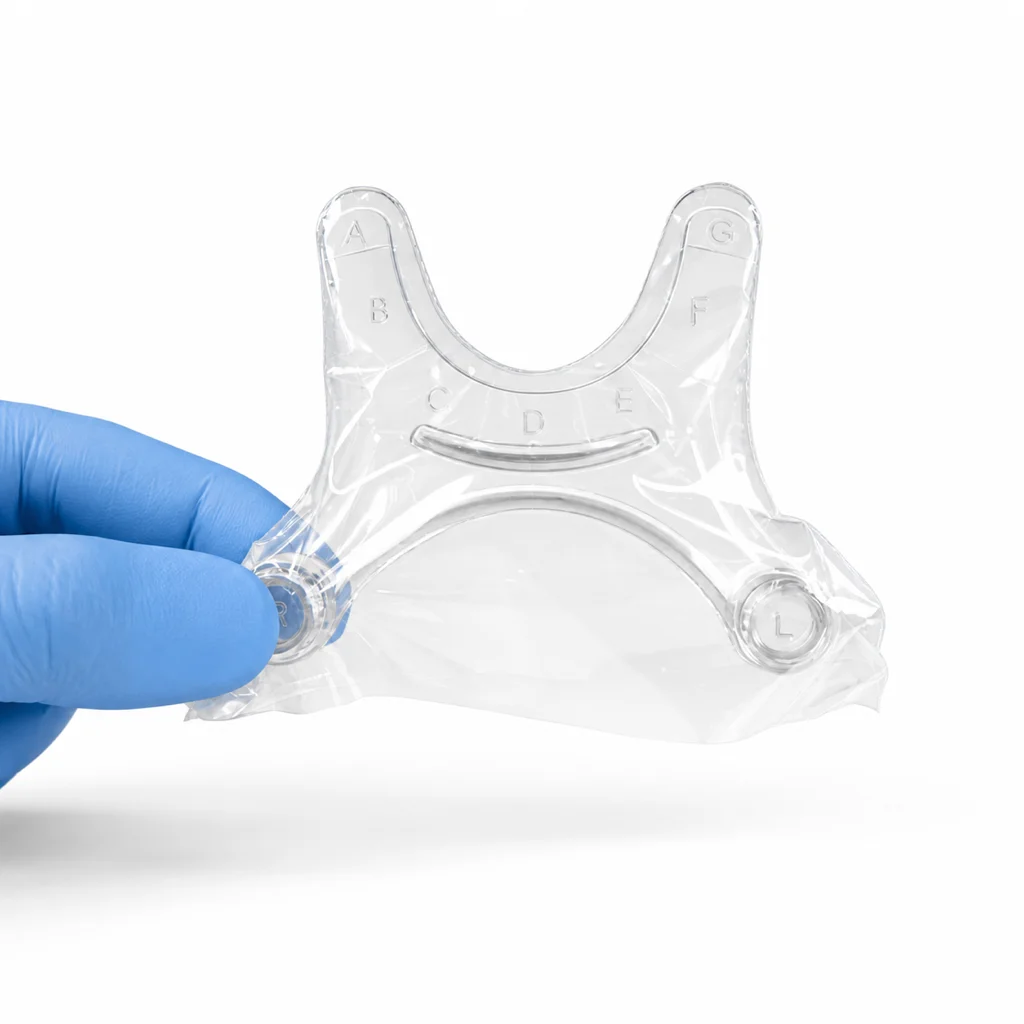
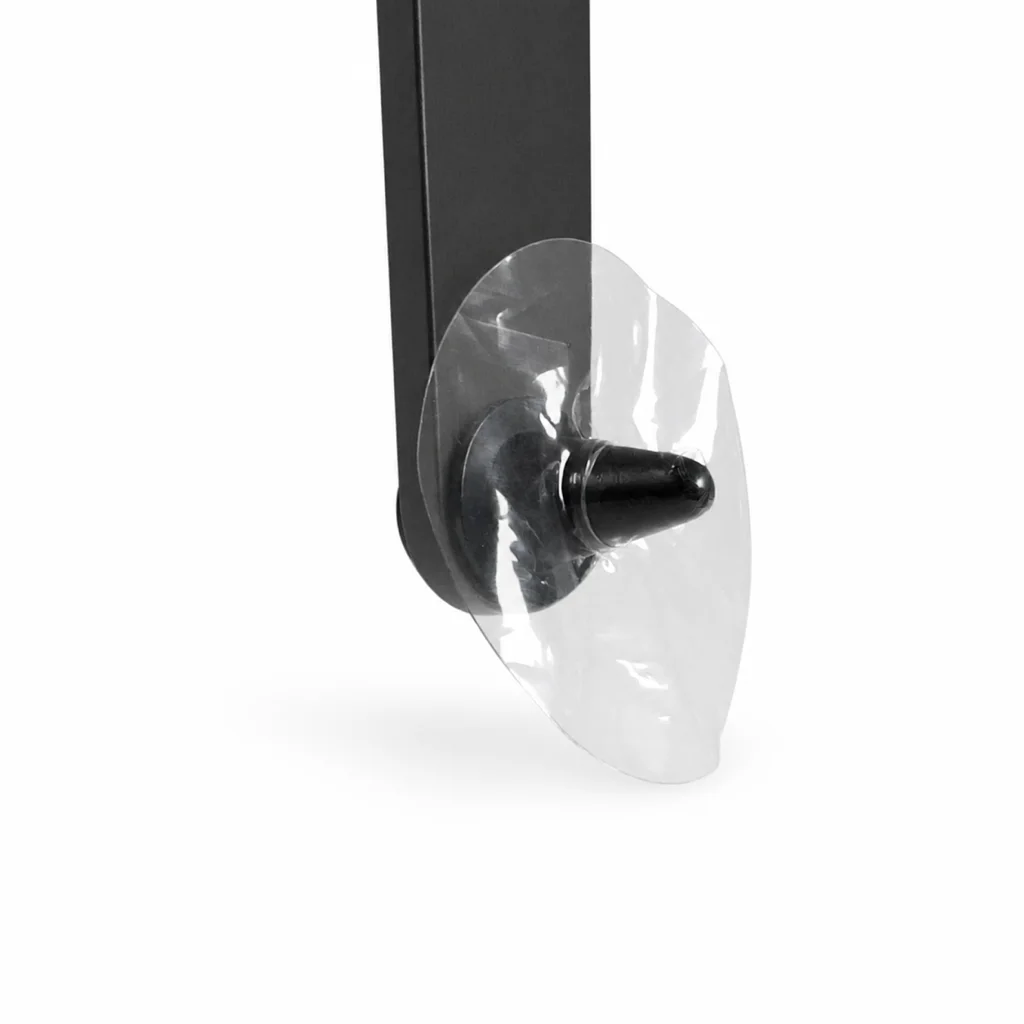
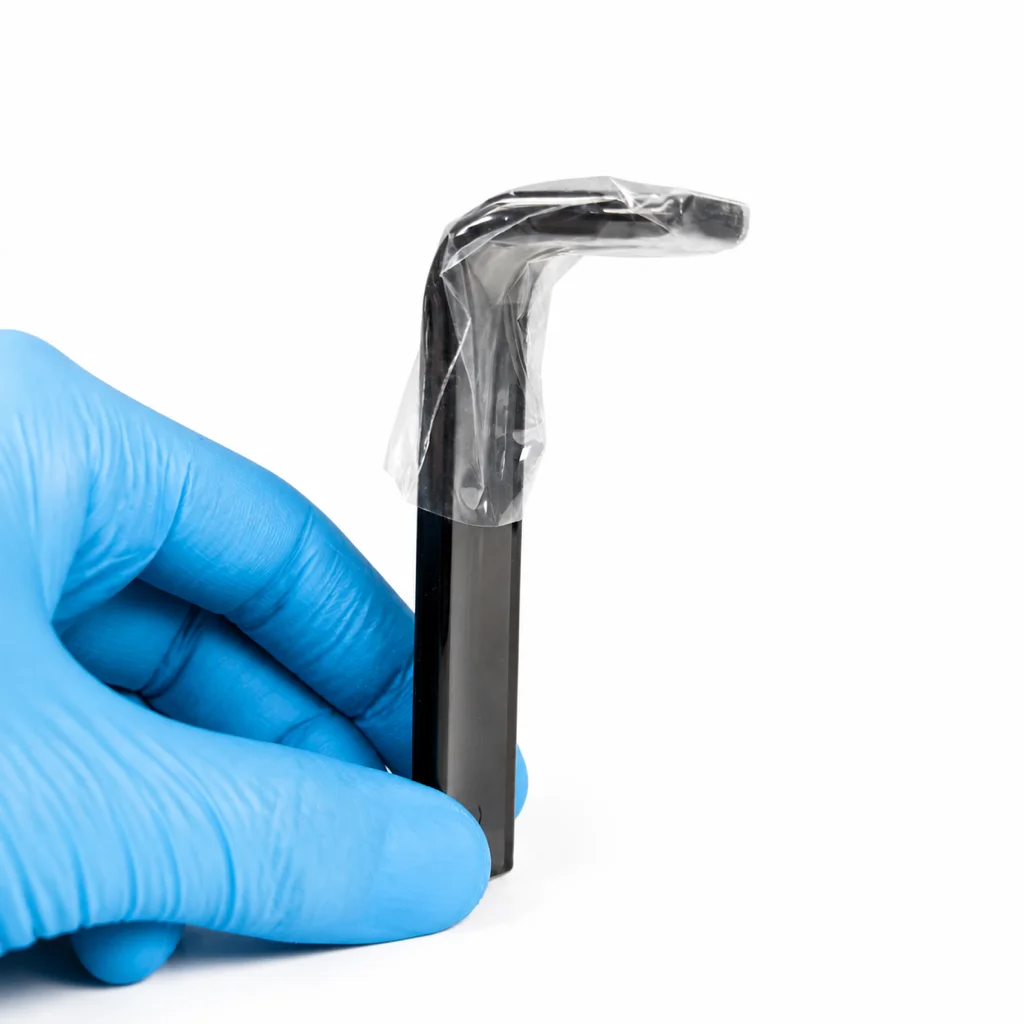
- Cover the chin or bite-block surface with a single-use barrier changed between patients, as already done for panoramic and cephalometric units.
- If the control panel sits inside the positioning zone, decide explicitly whether it needs its own between-patient barrier or a between-patient wipe, and write that decision into the protocol rather than leaving it implied.
- Apply the same layout check to any other compact or wall-mounted imaging equipment the practice adds later.
Frequently asked questions
Does a wall-mounted CBCT need a different barrier protocol than a floor-standing one?
Not a different one in principle — every positioning surface a patient touches needs a single-use barrier changed between patients. What changes is which surfaces count: on a compact unit, the control panel can sit inside the zone staff's hands are already working in, so it needs to be addressed explicitly rather than assumed to be covered by general equipment cleaning.
Is the X-MIND optima 3D's automated positioner recognition a hygiene feature?
No. It is a positioning-accuracy feature, using alignment lasers or positioning lights to help staff line the patient up correctly. It doesn't change what needs to be covered between patients.
What field of view does the X-MIND optima 3D offer?
Distributor listings show a native range from 5×5 cm up to 12×10 cm, with 17×12 cm available as an upgrade — by hardware option on one listing, by a software unlock with no hardware change on another.
Sources
- Acteon X-MIND Optima 3D CBCT Dental X-Ray — Voxel Dental, 2026-09-22
- Acteon X-Mind Optima 3D CBCT — Hague Dental Supplies, 2026-09-22
- Acteon X-MIND Optima 3D CBCT — Henry Schein Equipment Catalog, 2026-09-22
- Acteon X-MIND Optima 3D CBCT — Eclipse Dental, 2026-09-22